Task management for field teams
TaskHarbor keeps jobs, notes, and task lists in one place for small field service teams that need a clear handoff between the office and the road.
Use it to shape task requests, track what needs attention, and keep the day easy to read when work moves fast.
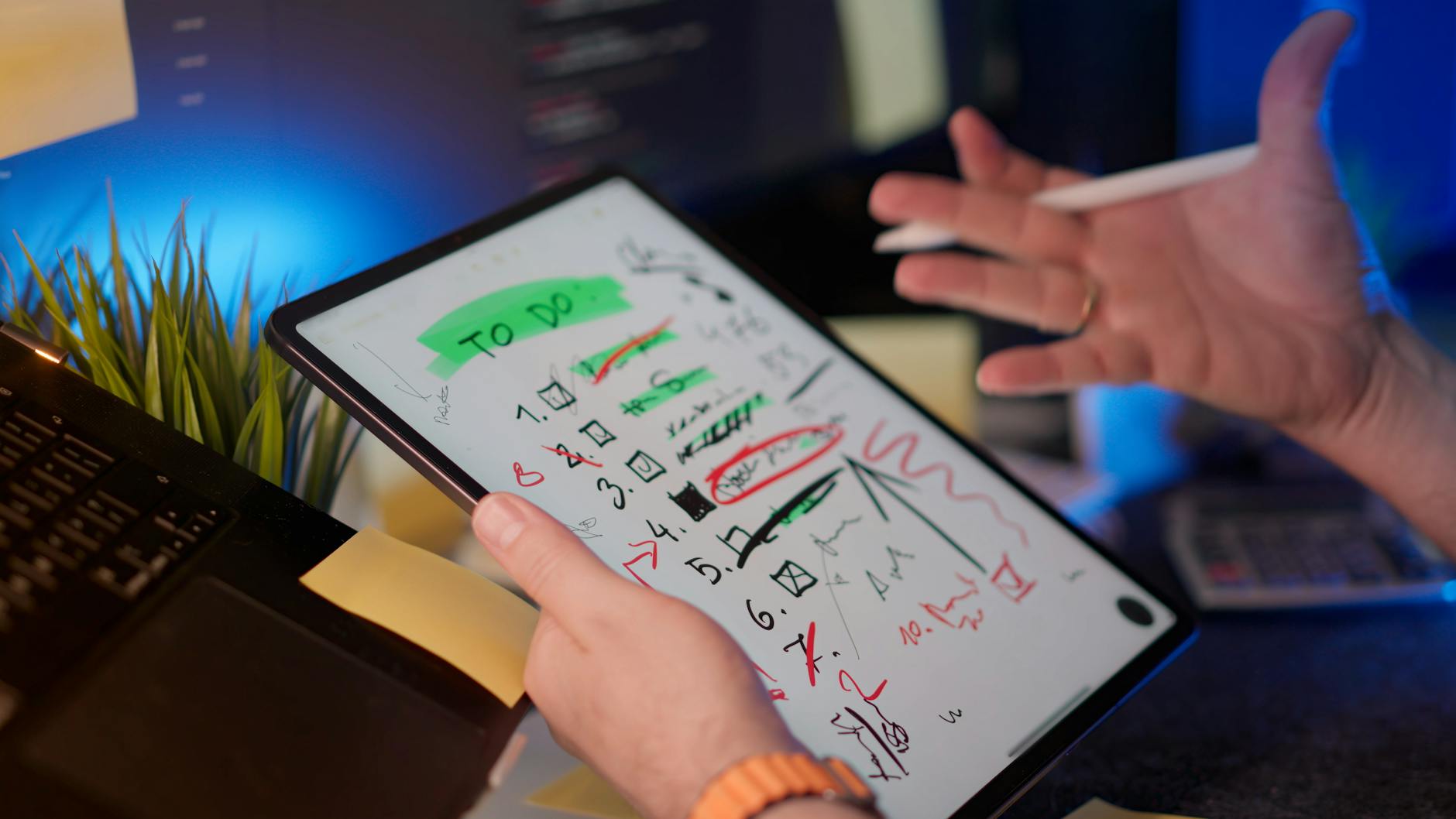
Task visibility
Keep work easy to scan
Field handoff
Bridge office and route
A clearer way to keep work moving
TaskHarbor is built for small field service teams that need a shared view of the day. It brings task details, job context, and follow-up notes into one simple working surface.
Task visibility
See what needs attention at a glance, with task details organized so a team can move from intake to action without digging through messages.
Shared task context
Keep notes, instructions, and task status together so office and field views stay aligned when the workday changes quickly.
Route-ready clarity
Use a clean structure that supports teams working across different locations without adding extra noise to the day.
Built for small teams
A practical layout for a compact team that wants the work to stay readable without a heavy setup.
What the product surface makes easy
The interface is organized around the work itself: tasks, context, status, and the small details that help a team keep moving.
Task signals
Highlight what needs attention so the next action is easy to spot.
Structured queues
Group work by status to keep the day readable from first glance.
Notes that stay with the task
Keep instructions, reminders, and context attached to the right job.
A working surface for the field and the office
TaskHarbor fits the way small teams actually move through a day: a quick read on what needs doing, a place for useful notes, and a simple way to keep the list current.
It stays focused on the work, so people can open it, scan it, and get on with the next task.
Task board
Concept surface
Open
Site check
Notes ready for review
Queued
Follow-up
Waiting on assignment
Done
Close-out
Wrapped and logged
What people want to know first
A few quick answers about how TaskHarbor is positioned and what it helps teams do.
Talk through the kind of task flow you need
If you want to shape a clearer task surface for a small field service team, start the enquiry from Home.